Web-to-print software for manufacturers
Custom products that arrive ready to print.
Ditto Designer puts your products online for customers to design, then hands you a print-ready file for every order.
Shoppers customize it
Body color Customizer
 Logo added Add to cart →
Brands design it
Add a layer Designer
Front panel · 3 layers · all 7 pieces
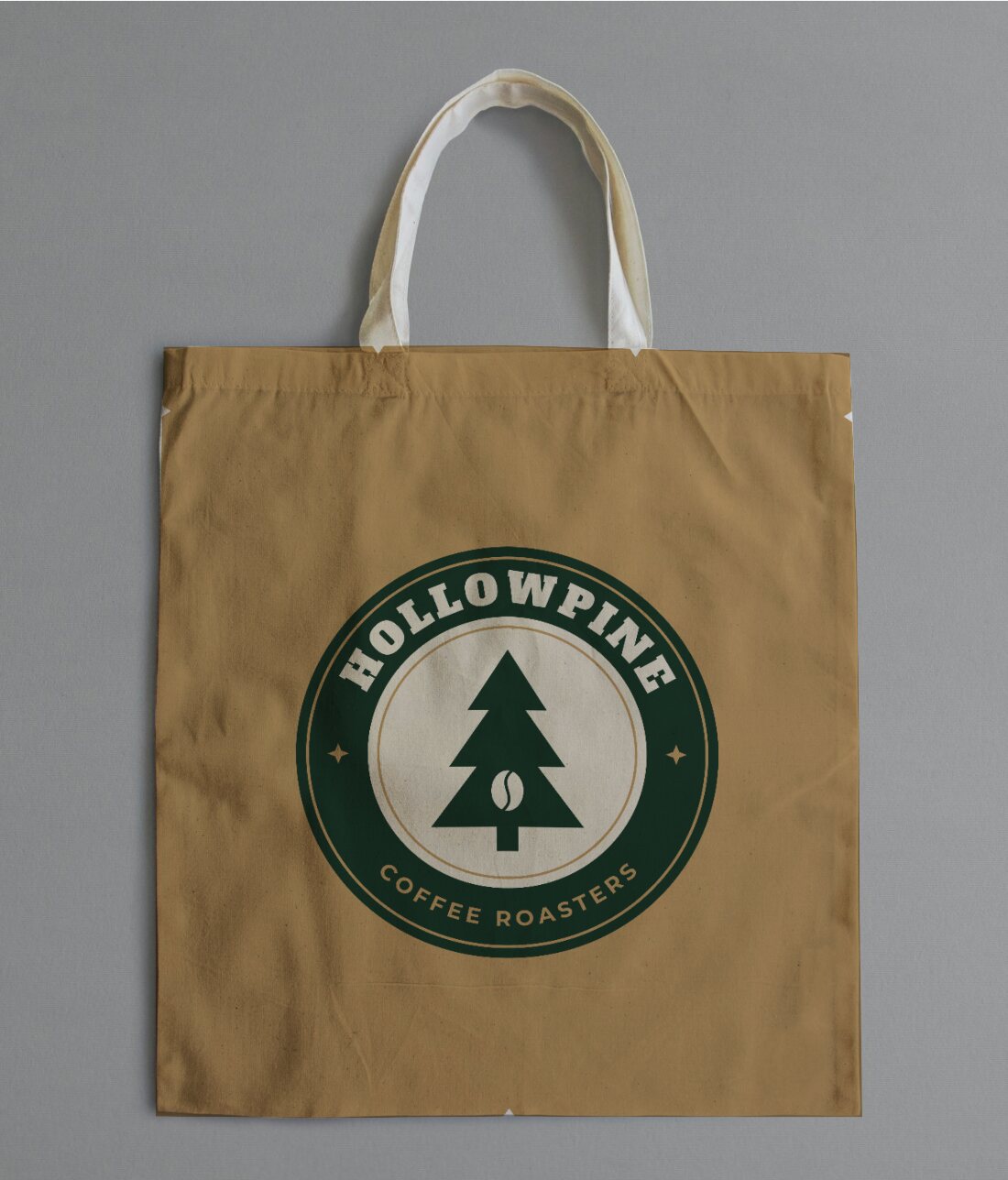
Either way, you receive it
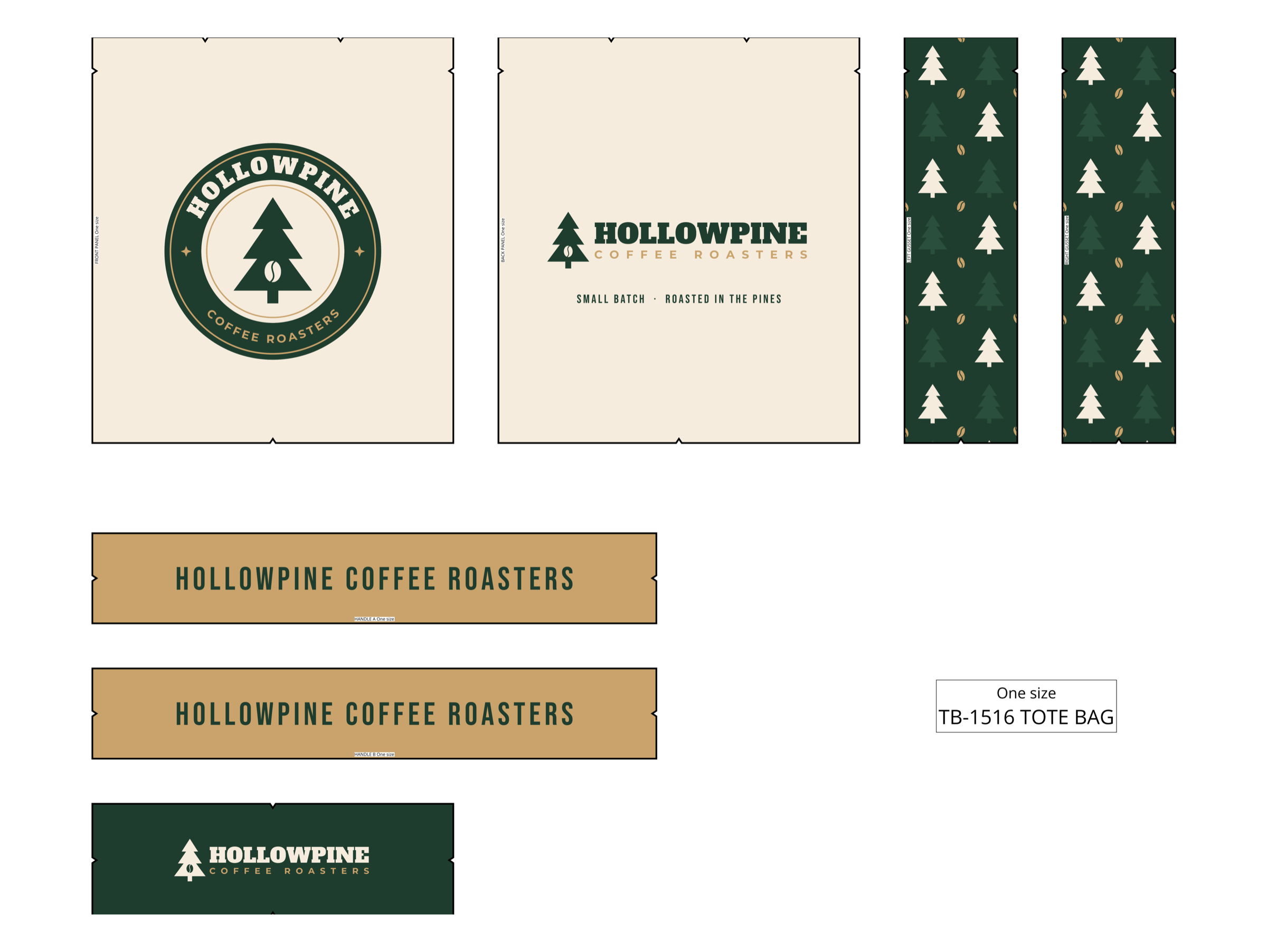
Print file Ready to print
EX-1042 · PDF · CMYK · 300 DPI
It starts with your own patterns.
Upload the cut files you already print from. Ditto Designer reads the panels and sizes and turns them into a product your customers can design on.
- Your Illustrator or PDF files, as they are
- Every panel and size picked up for you
- Set up once per product
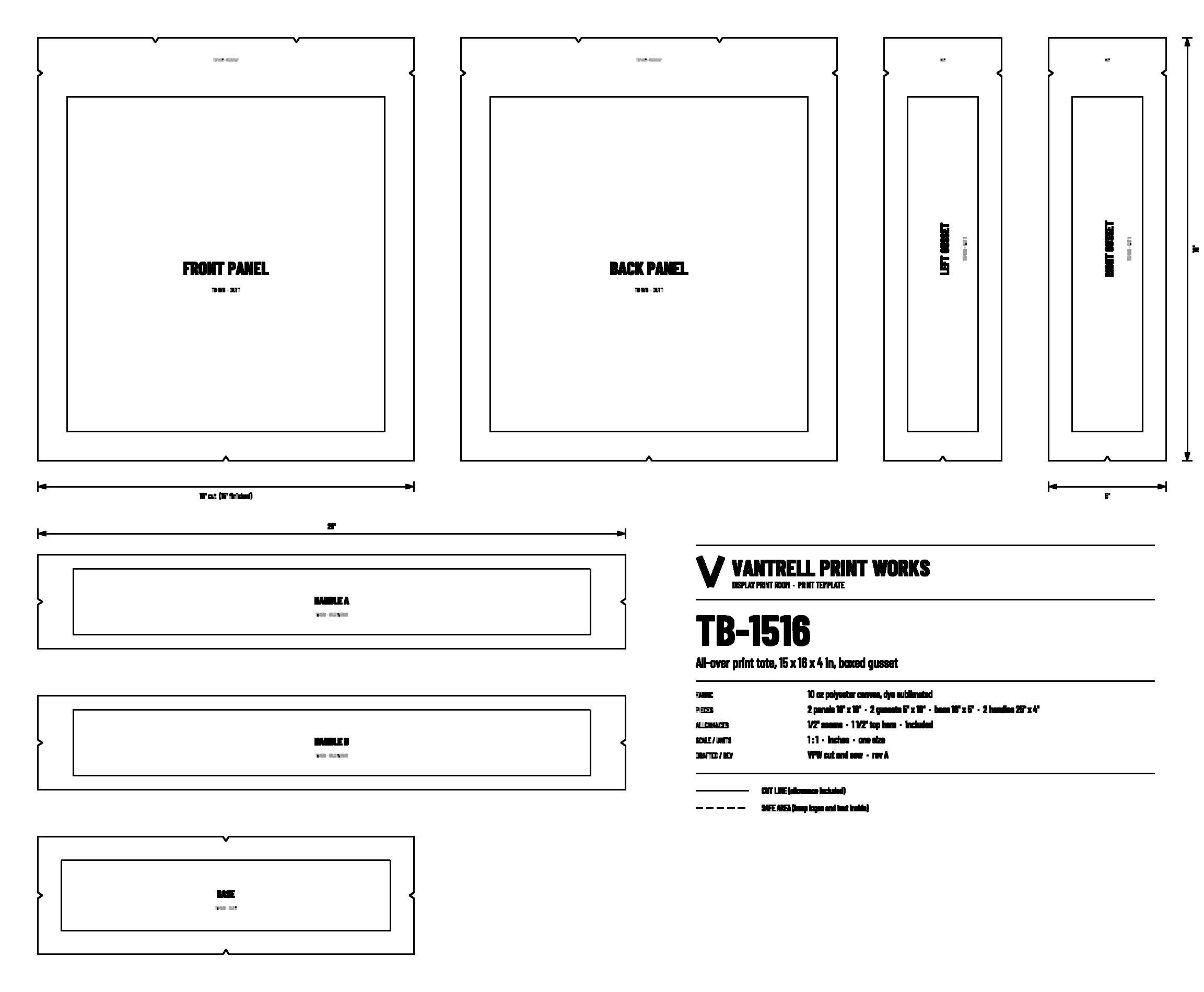
TB-1516-tote.ai Your file, as it is
Pieces found 7 of 7
- Front Panel
- Back Panel
- Left Gusset
- Right Gusset
- Base
- Handles, 2
Sizes · One size
- 01
Drop in your cut file
Illustrator or PDF, as it is.
- 02
Pieces and sizes are found
Every panel, every size in the run.
- 03
Confirm seams and edges
Mark the seams and the areas to keep clear.
- 04
Lay out the print sheet
Set the sheet and its labels once.
For your team and the brands you sell to
Hand brands a designer, not a spec sheet.
A full design tool in the browser, built around your product. Brands drop in their art and see it on the real product before they order.
- Every piece of the product in one place
- One design fits every size you sell
- No Illustrator needed
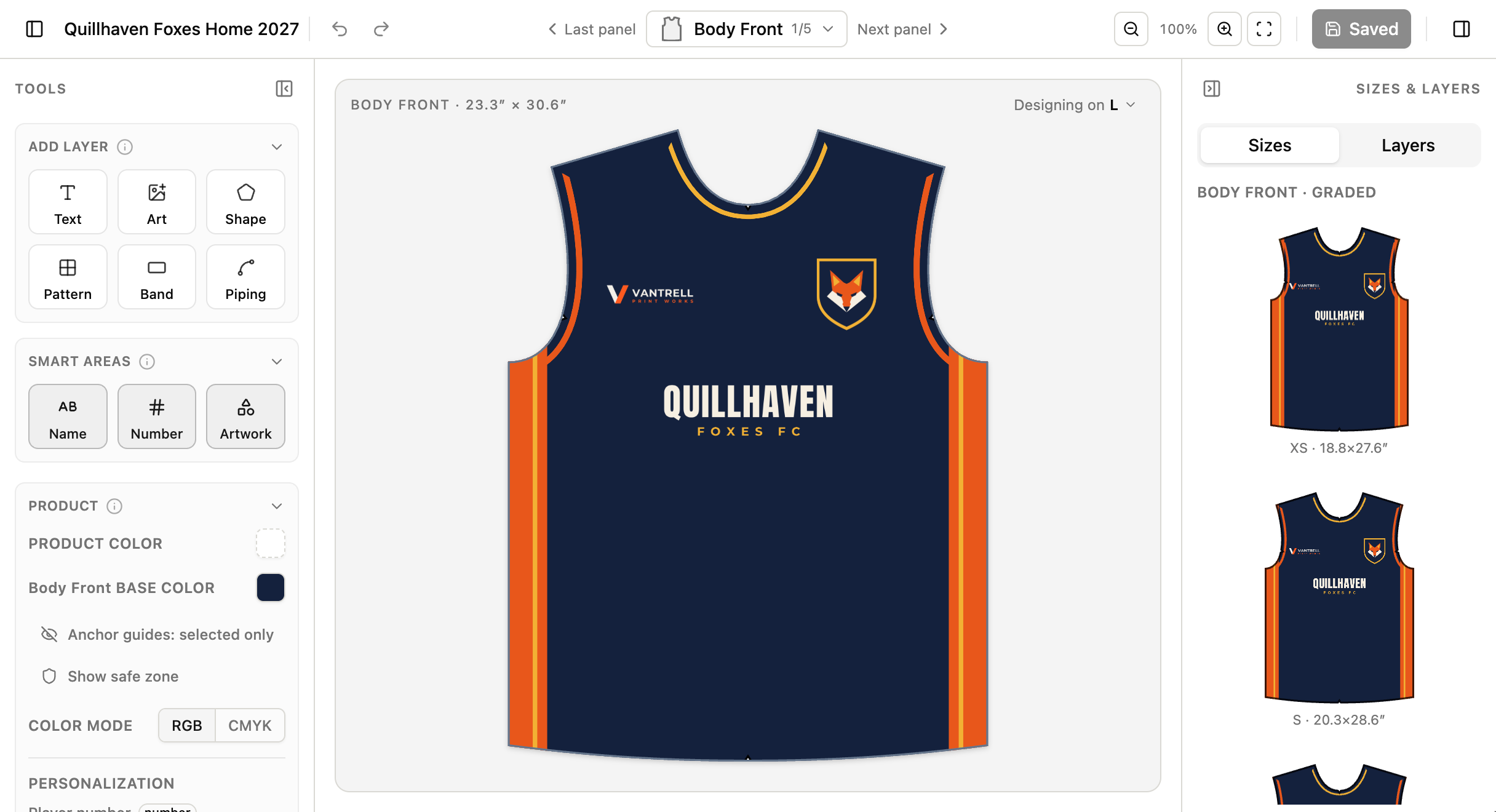
Add a layer
Layers
- NameOKAFOR
- Number27
- ArtClub crest
- BandHem stripes
Sizes 7
One design, every size
For apparel and anything sized
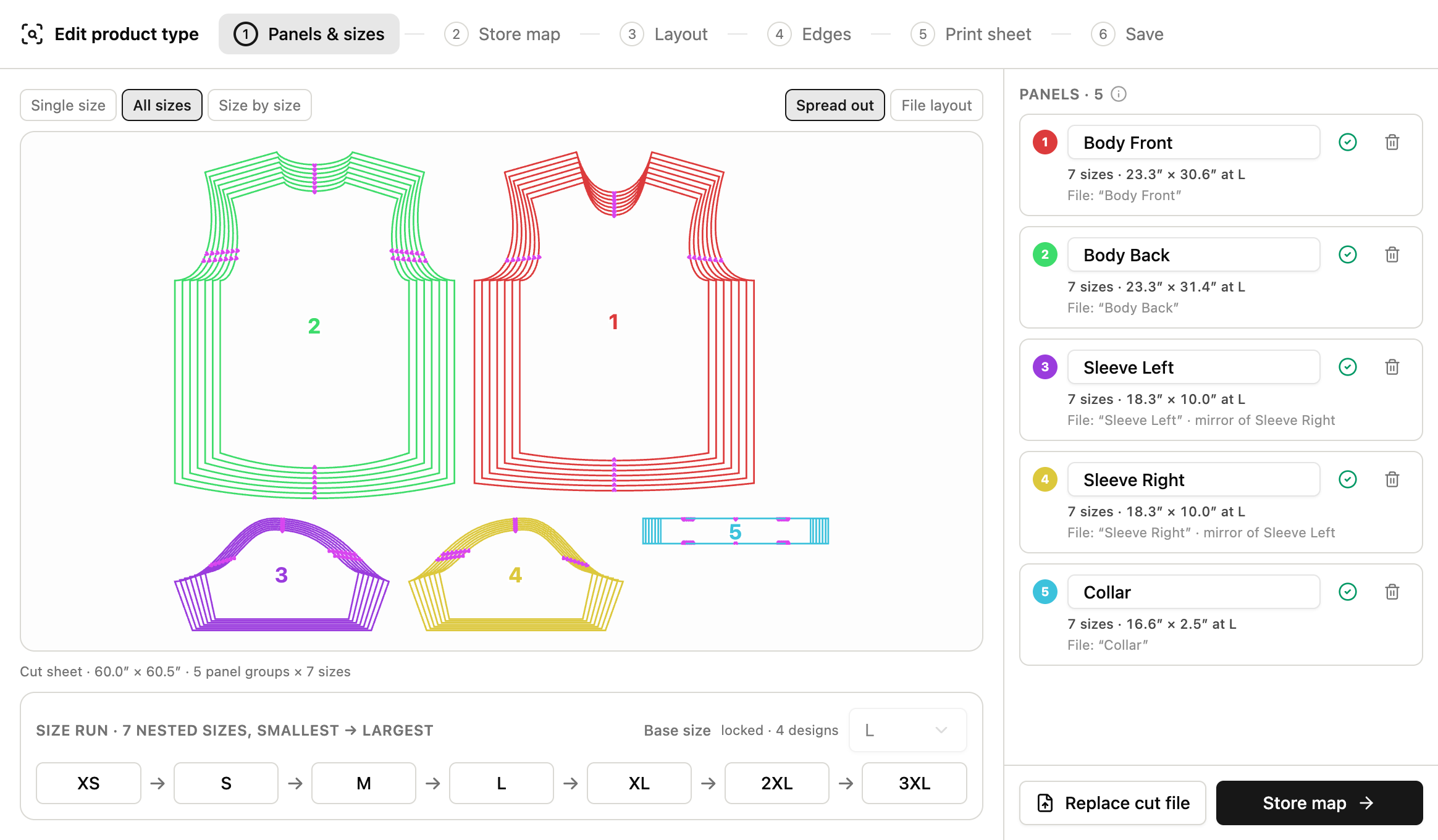
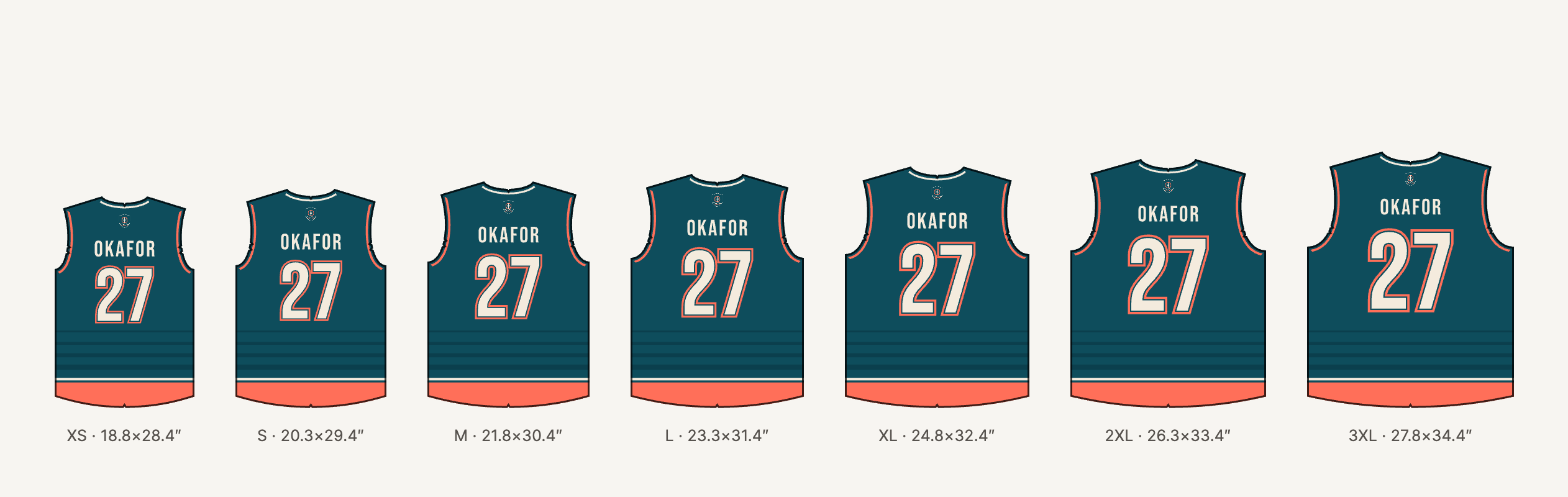
Design one size. Get the whole size run.
Your graded pattern already holds every size. A design made on one of them is placed on all the others for you, each on its own pattern.
- Logos and numbers stay the right size
- A crest is the same size on a small as on a 3XL, unless you want it to grow.
- Backgrounds follow the pattern
- Stripes, panels and piping fill each size to its own edges.
- See every size before it ships
- Check the whole run side by side and adjust one size without touching the rest.
- A print file per size
- Each size ordered prints at its true size, with the size on the sheet.
For shoppers in your store
Let shoppers make it theirs.
A guided screen on your product page: pick colors, add a logo, add text, add to cart. No account and no design skills.
- Only the colors you offer
- Only the changes you allow
- A code to come back to their design
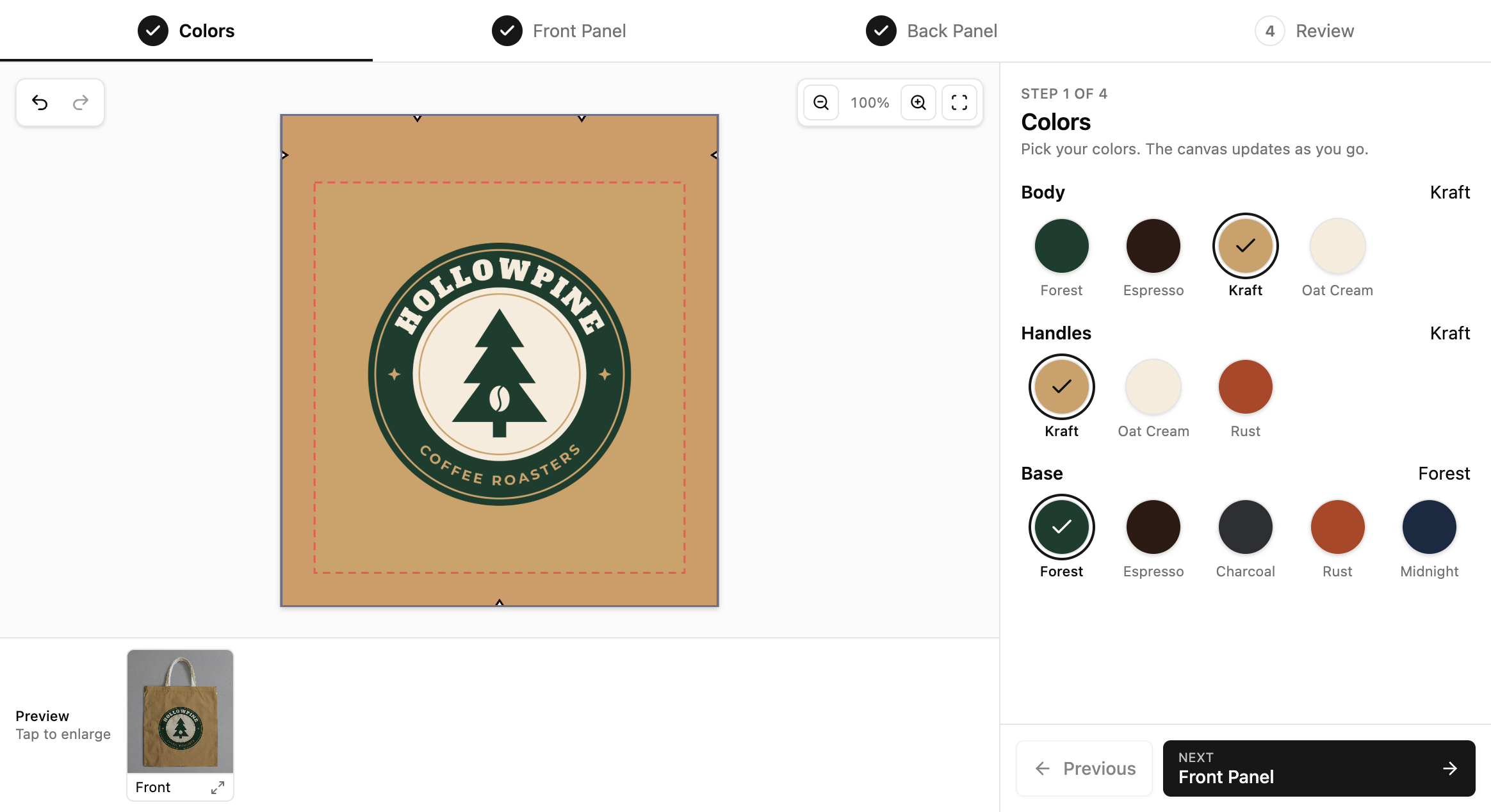
Colors you offer
Changes you allow
- Colors Open
- Logo Open
- Text Open
- Layout Locked
Design saved
HP-7K2Q
A code to come back to it
Your templates, their starting point.
Publish any finished design as a template. Customers start from it instead of a blank, and you decide what they can change: the colors, the text, a logo, or nothing at all.
- Colors · open
- Logo · open
- Wording · locked
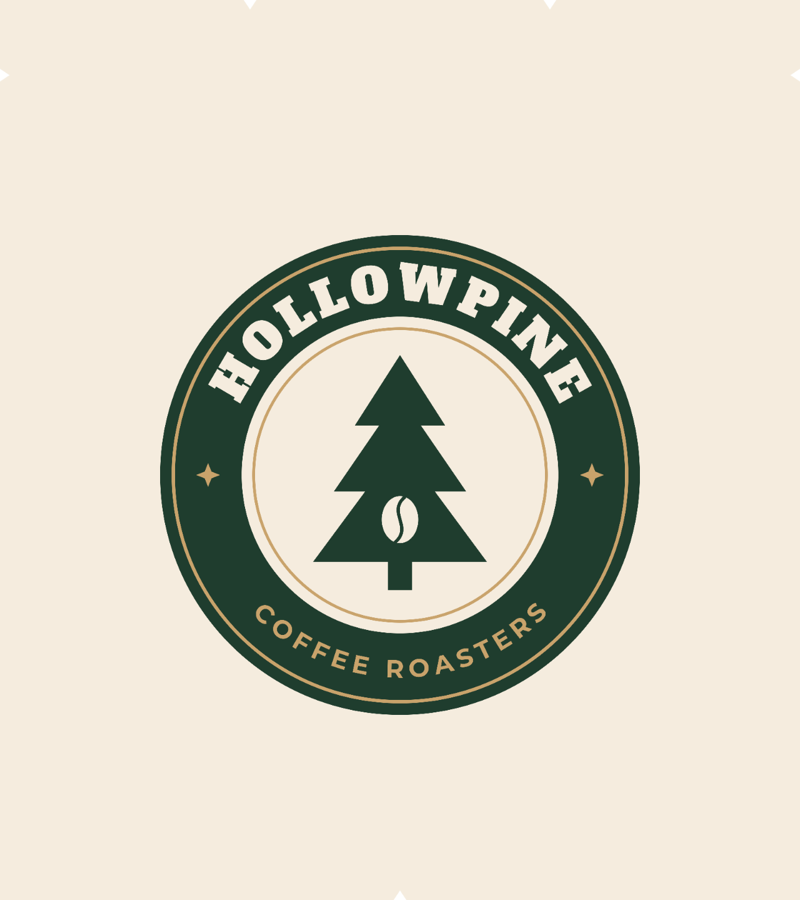

One template, three customers. Same layout, their own logo and colors.
Before anything is printed
They see the real thing, not a flat pattern.
The design is shown on a photo of your product or on a 3D model, and it updates as they work. The same pictures can go on your product page.
- On your own product photos
- In 3D, from your own model
- Ready to use as store pictures
On a photo
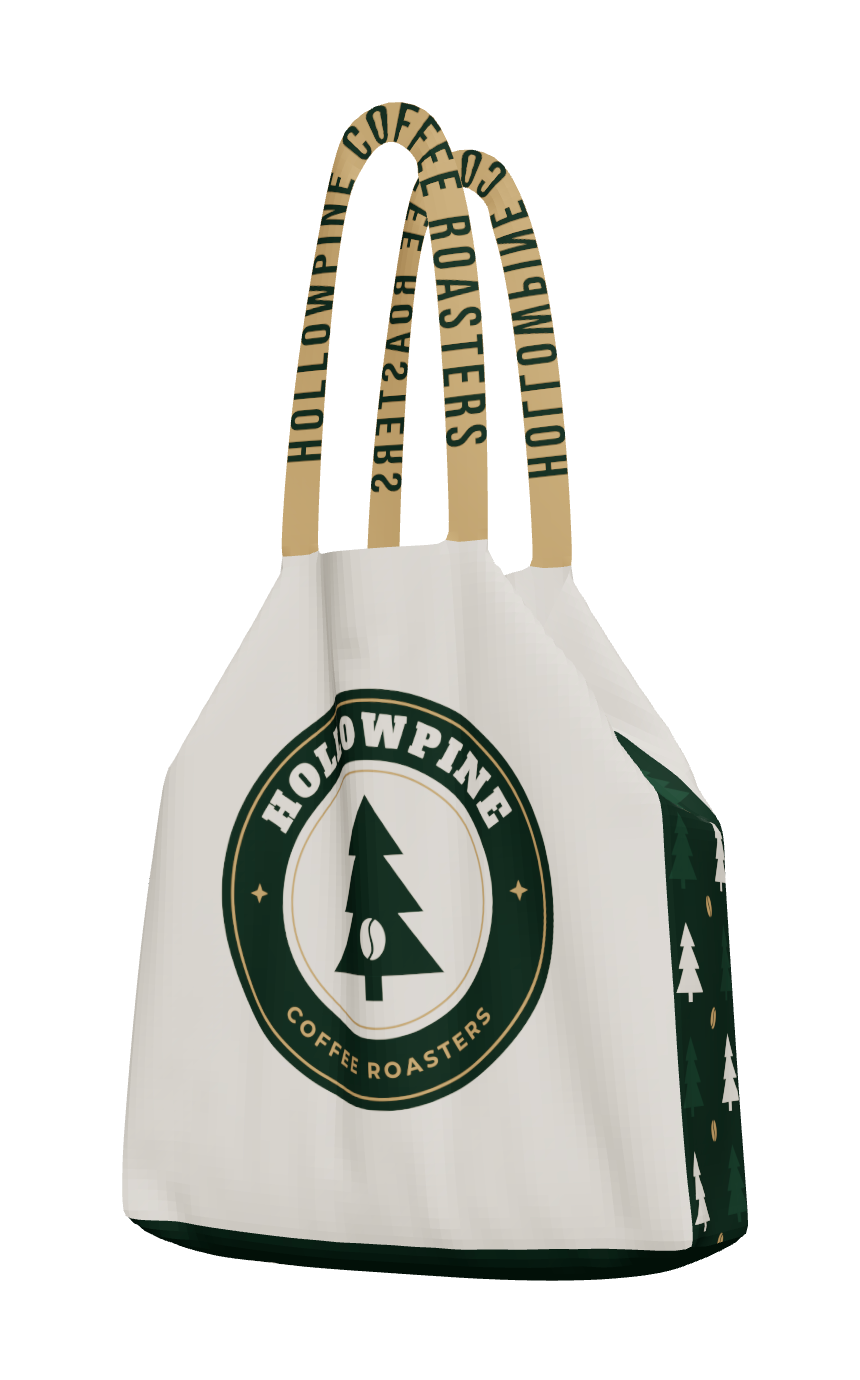
In 3D
Every order arrives ready to print.
When the order is placed, the print file is already made. What the customer saw on screen is what comes off the printer.
Book a demoOrder EX-1042 · TB-1516 tote bag · one size
Print file
Ready to print
EX-1042
On every sheet
- Cut lines and notches
- A label on each piece
- Size and product name
Download PDF
A file for every size ordered
At full size, laid out for your roll.
Your cut lines and labels
Each piece named, the size on the sheet.
Print-shop color
CMYK or RGB at 300 DPI, whichever your printer expects.
Personal details in place
A name, a number or a logo, set per order.
Any product you cut and print.
Bags, flags, banners, covers and team kits. One size or a full size run, it works the same way.
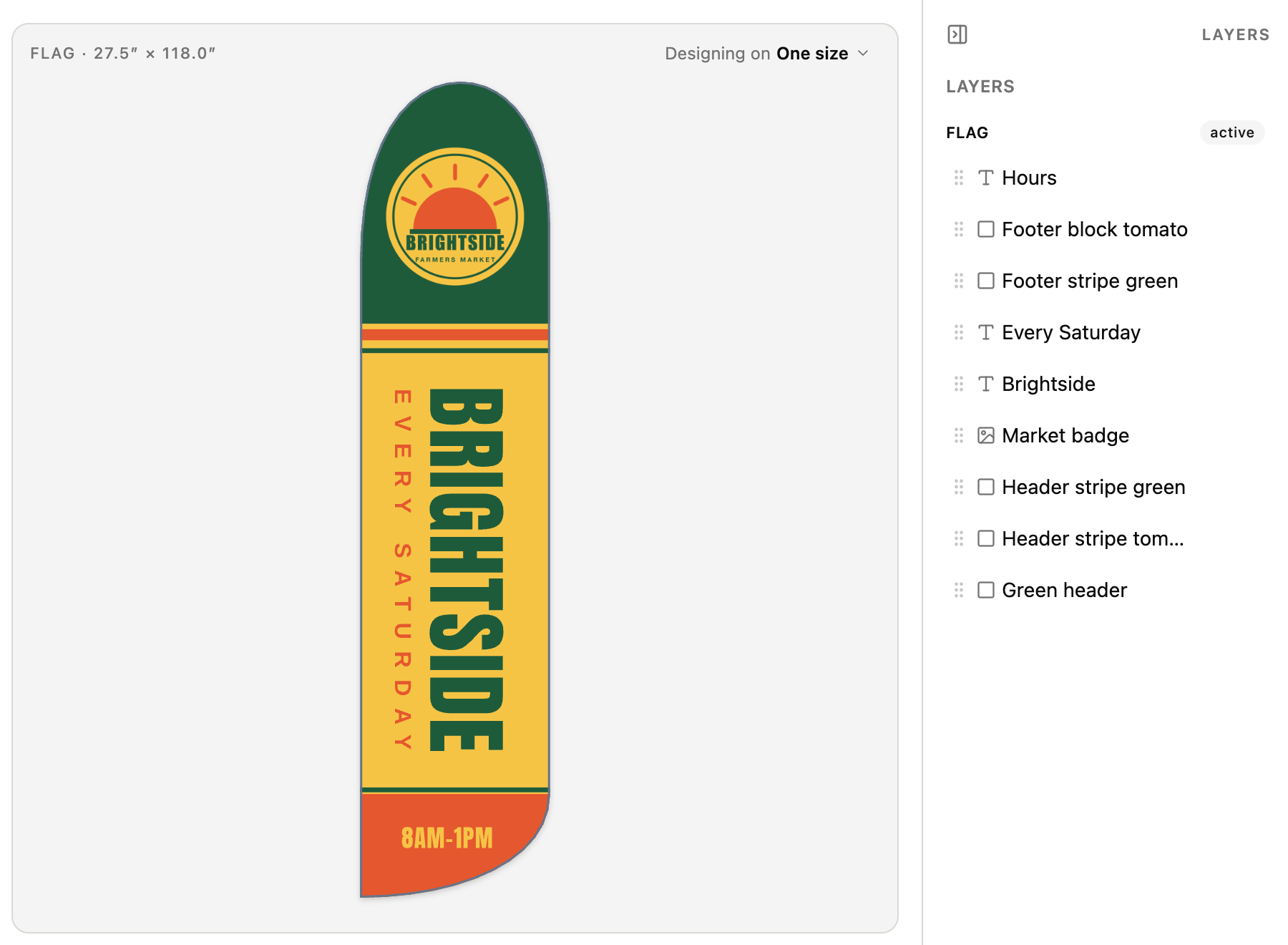
Flags and banners
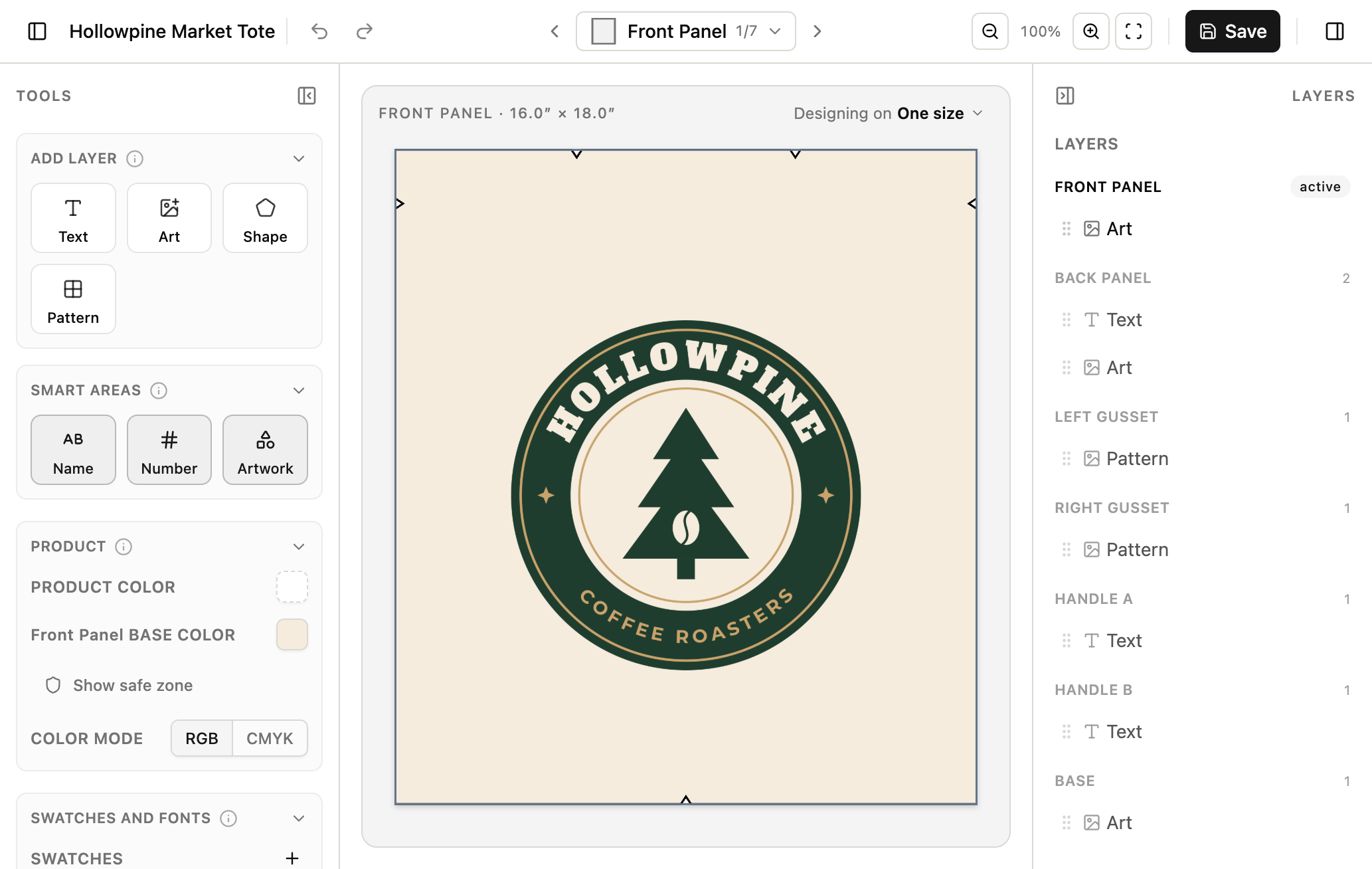
Bags and soft goods
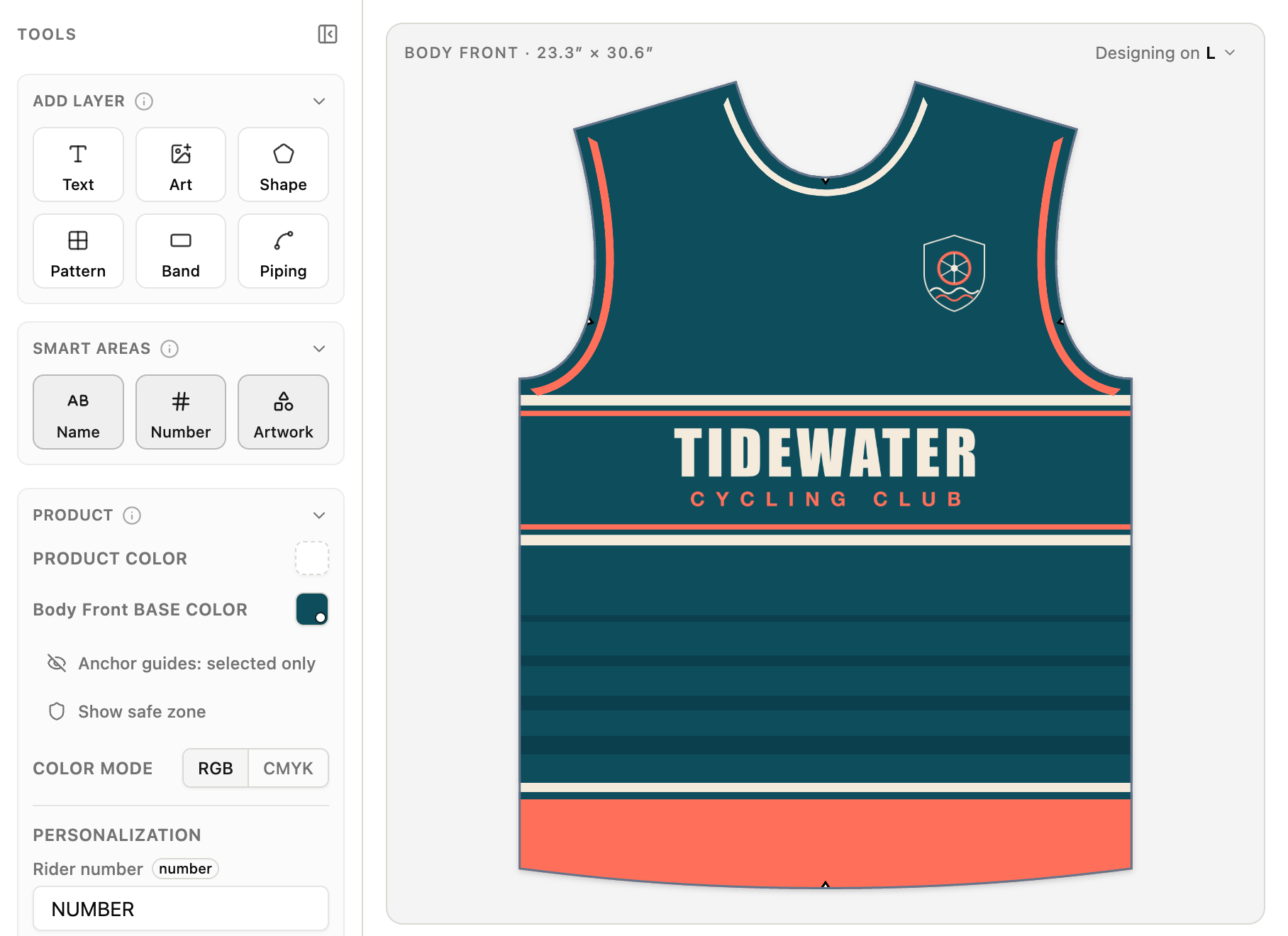
Team kits and apparel
It looks like your product, not ours.
Ditto Designer sits inside your own site and takes on its look.
- Your colors
- Your typeface
- Your templates
- Your product page
Tidewater Cycling
Pick your colors
Add to cart
Brightside Market
Pick your colors
Add to cart
Hollowpine Coffee
Pick your colors
Add to cart
The same customizer in three brands' colors, type and corners.
 Ditto Designer
From design to production, with MODO.
MODO runs production for made-to-order manufacturers. Ditto Designer connects to it directly, so every custom order reaches the floor with its print file, and your team designs in the system they already work in.
Ditto Designer is its own product, licensed separately from MODO.
-
Orders arrive with their print file Online orders
A shopper designs on your site. The order and its print-ready file go straight into production in MODO, so nobody rebuilds the art by hand.
-
Your team designs inside MODO Sales orders
Sales reps and brands open the same designer from MODO, build the design with the customer and send a preview to approve.
-
Saved for the re-order In MODO
Designs are saved to the brand and its order history. A repeat order opens the approved design, ready to produce or adjust.
-
One setup for both Set up once
Online and sales orders share the same templates, safe zones and print rules, built from your cut file.
Not on MODO? It runs on its own too. Add it to any site you run with one short script. Your developer gets full documentation and a place to test.
Book a demoAnd the details are handled.
- Illustrator and PDF artwork
- Repeating patterns
- Curved and outlined text
- Low resolution warnings
- Seam allowances and safe areas
- Photo and 3D previews
- Product pictures for your store
- A login for each brand
Before you book
- What cut files does it take?
- Illustrator files and PDFs, the ones you print from today.
- Is it only for apparel?
- No. Bags, flags, banners and covers work the same way as garments, in one size or many.
- Does it work with our store?
- Yes. It is added to your product page with a short script, in your colors and typeface.
- Does it work with MODO?
- Yes. Ditto Designer connects directly to MODO. Online orders arrive in MODO with their print file, your team opens the same designer from inside MODO, and designs are saved to the brand for re-orders. It also runs on its own.
- Who owns our cut files and designs?
- You do. They are never shared with or reused for anyone else.
- How is it priced?
- Licensed per manufacturer and hosted for you. Book a demo for a quote.